Roles and Permissions
Understanding the four built-in workspace roles and how process-level permissions work.
Built-in Roles
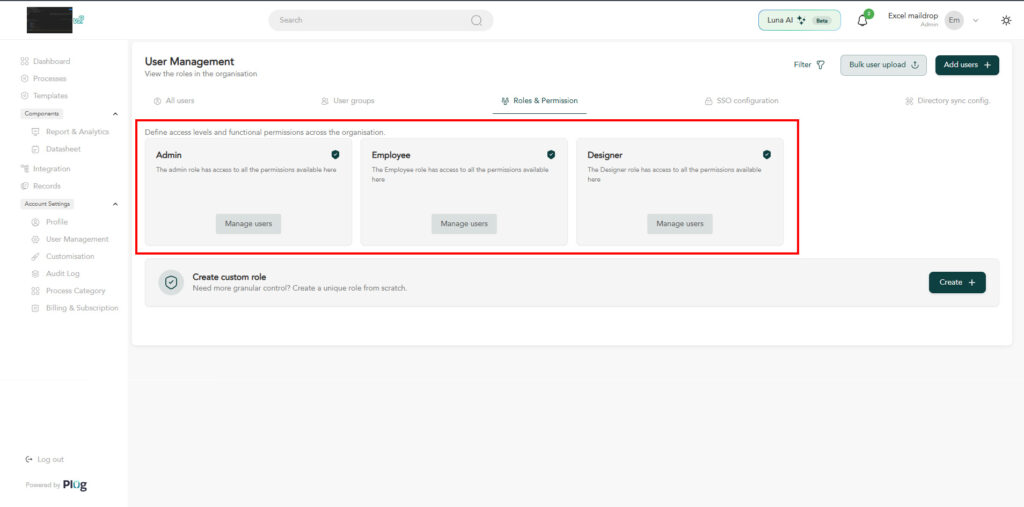
PlugIQ ships with four built-in workspace roles. Each role is additive — higher roles include all permissions of lower roles.
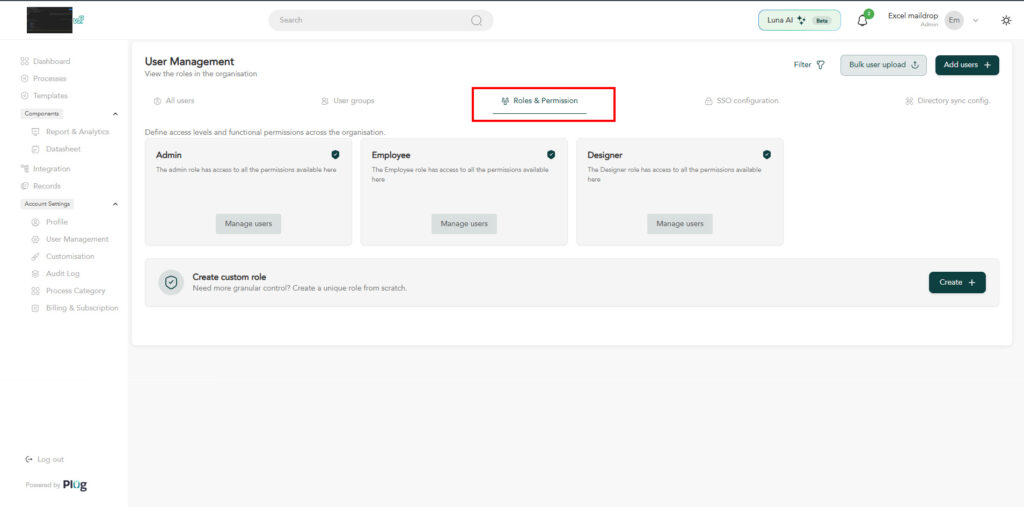
- Employee — can submit requests on processes they have access to.
- Designer — can create, edit, and publish processes.
- Admin — full workspace access including billing, SSO configuration, audit logs, and member management.
Process-Level Permissions
Each process has its own access control list. A Process Manager can restrict who can submit to a specific process, or grant submit access to external users via a public URL.
Group-Based Access
Assign users to groups and reference the group as an approver or submitter audience. When the group membership changes, process access updates automatically.