Adding Team Members
How to invite colleagues to your workspace and manage pending invitations.
Overview
PlugIQ is a collaborative platform. You can invite colleagues so they can submit requests, act as approvers, or help you build and manage processes. Invitations are sent by email and expire after 7 days.
Sending an Invitation
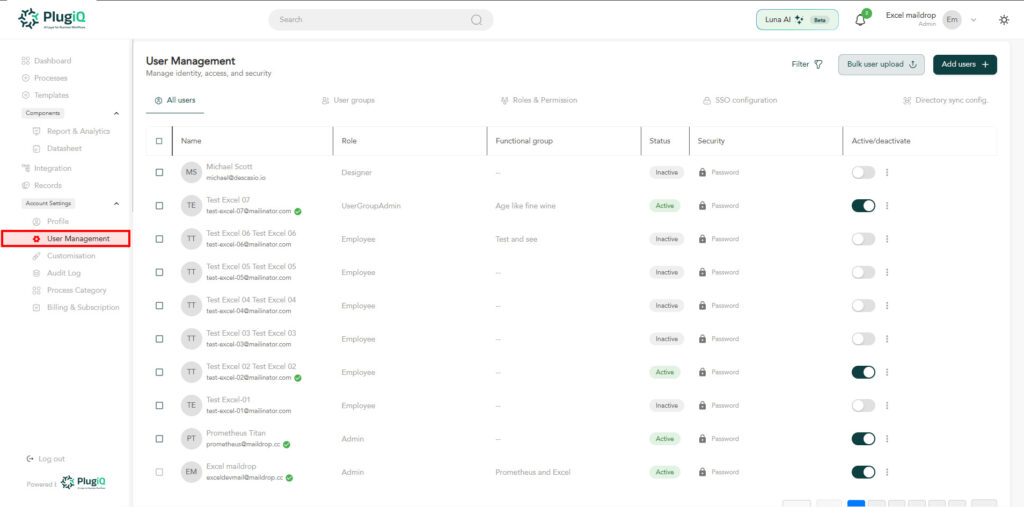
- Navigate to Settings → user management.
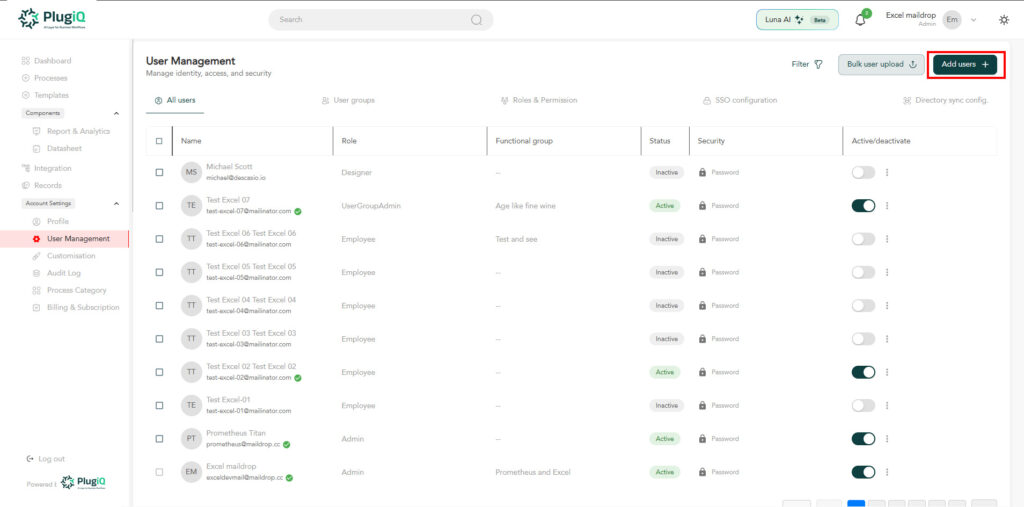
2. Click add user.
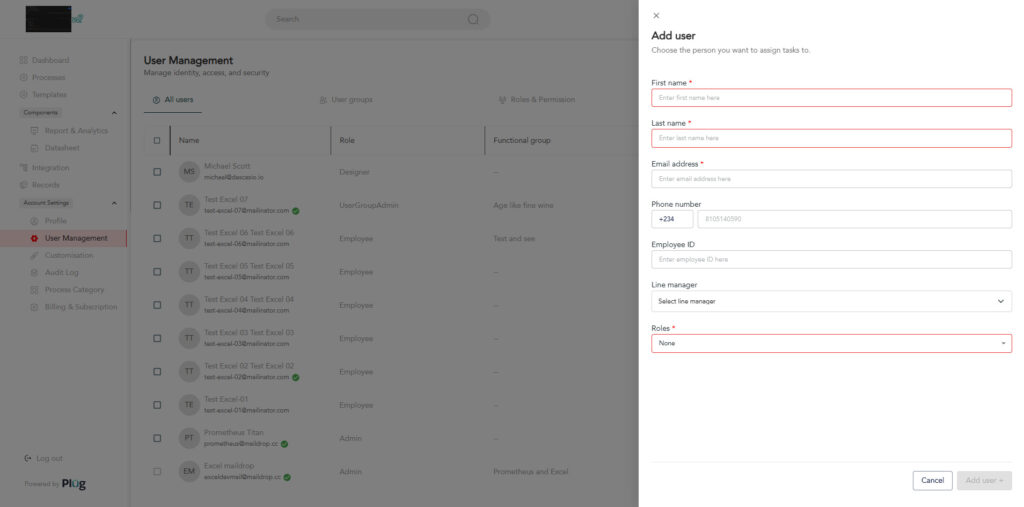
3. Fill in the necessary details (First name, email, phone number, employee ID, line manager, and role)
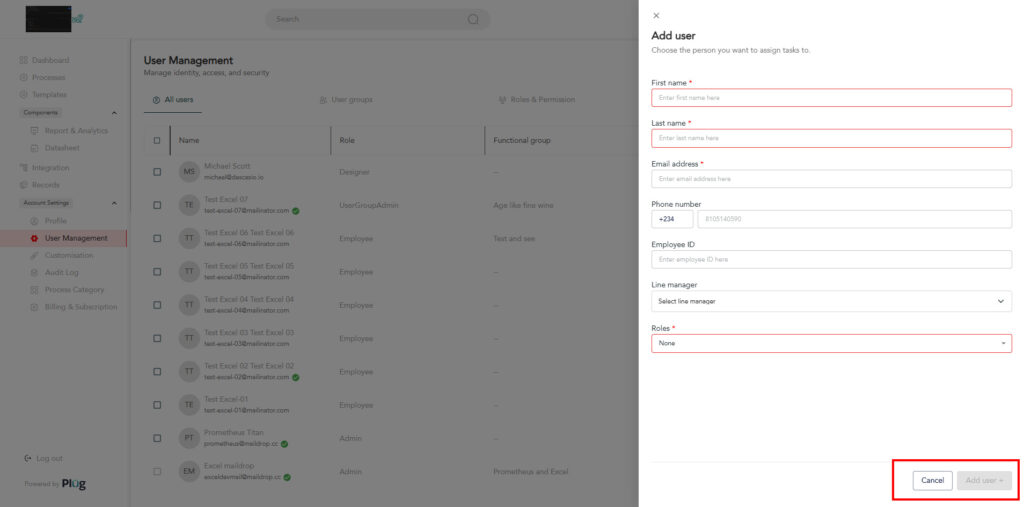
4. Click add user.
Bulk Import via CSV
For larger teams, use the CSV import option. Download the template from the invite dialog, fill in the email and role columns, then upload the file.
Member Limits
Free workspaces allow up to 5 members. Growth and Enterprise plans have higher or unlimited caps. Check Settings → Billing to see your current usage.